
Built-in layouts
Tessera provides 18 built-in arrangements. Select layouts in Preferences or configure the ordered cycle in Configuration. A layout computes requested frames; the window manager may enforce its own constraints. See Custom JavaScript layouts for user-written arrangements.
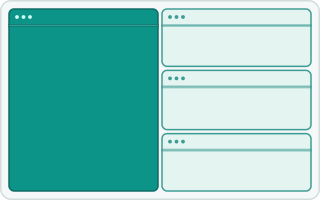
tall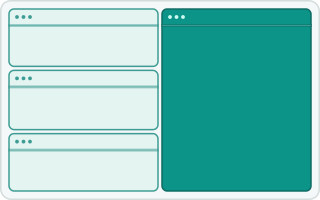
tall-right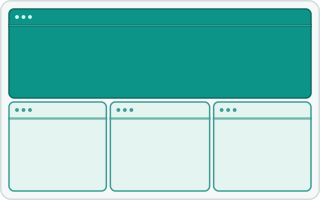
wide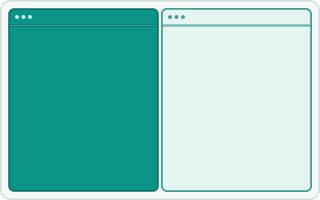
two-pane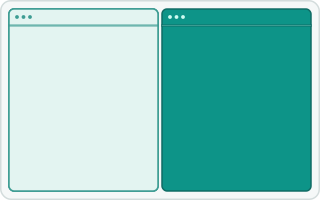
two-pane-right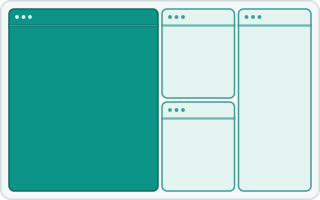
3column-left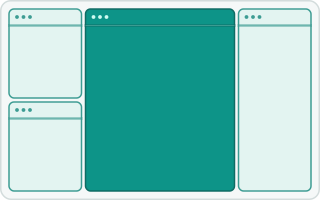
middle-wide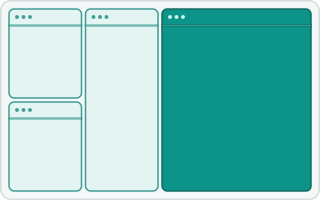
3column-right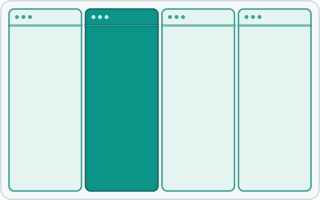
4column-left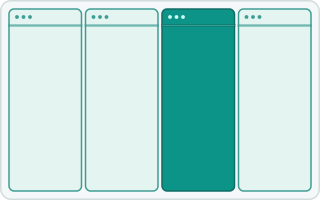
4column-right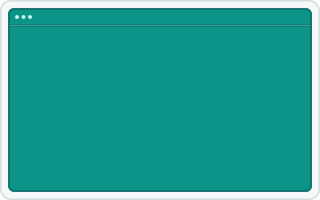
fullscreen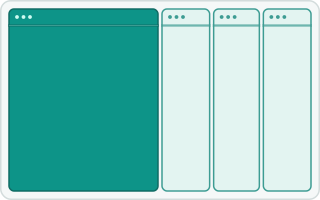
column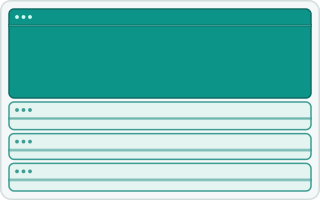
row
floating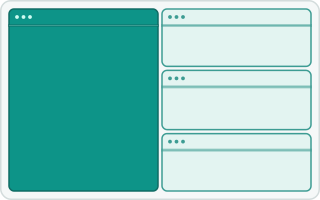
widescreen-tall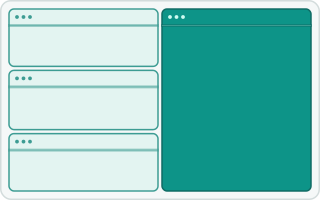
widescreen-tall-right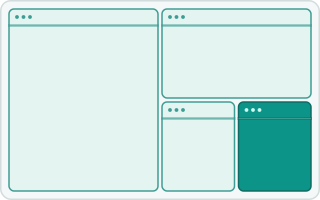
bsp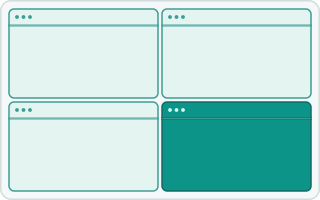
gridgrid is Tessera’s own layout. In a landscape or square area, it fills columns from top to bottom; in a portrait area, it fills rows from left to right. Extra cells go into the last columns or rows. Main-pane count and ratio do not affect it. Four-column layouts use independently adjustable weights rather than the main-pane ratio.
The default cycle is tall, wide, fullscreen, column. With the default shortcuts, Alt+Shift+Space cycles forward and Alt+Shift+Ctrl+Space backward. See Configuration for bindings, margins, padding, minimum sizes, and the cycle. The layouts and requested sizes are subject to the active backend and window-manager constraints.
Previews and animations
The Preferences window contains layout previews. Each layout above also has an animated SVG that shows four windows being added one at a time. The animations use a 0.5 main ratio and one main window; the highlighted window is the main window, or the focused window for layouts without a main pane. The SVGs adapt to light and dark themes.
The SVGs live in the wiki under images/layouts/ and are embedded by relative path, so they render on this wiki and on the documentation site, which publishes the same files. Each SVG is named after its layout key, except 3column-left and 3column-right use three-column-left.svg and three-column-right.svg, while 4column-left and 4column-right use four-column-left.svg and four-column-right.svg.
The generator writes to crates/tessera-ui/assets/layouts/, which is the copy the application bundles. To regenerate the animations and sync the wiki, run from the checkout root:
cargo run -p tessera-ui --example generate_layout_svgs
cp crates/tessera-ui/assets/layouts/*.svg wiki/images/layouts/
crates/tessera-ui/tests/layout_svgs.rs checks only the copy under crates/ against the generator; it does not cover wiki/images/layouts/. After copying, confirm the two directories match, for example with diff -r crates/tessera-ui/assets/layouts wiki/images/layouts.